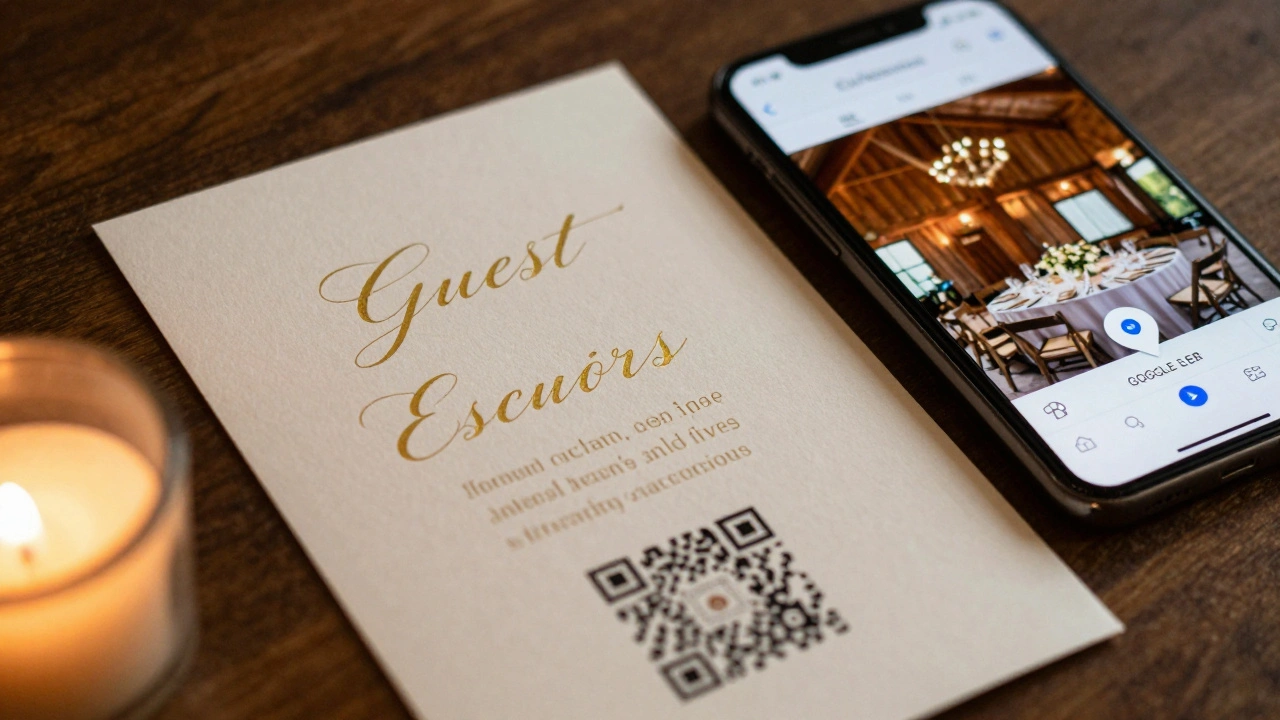
Imagine your guests walking into your wedding reception, holding a small card in their hand, scanning it with their phone, and instantly seeing a map that leads them right to their table-no confusion, no asking strangers, no lost guests. That’s not sci-fi. It’s what happens when you put a QR code on your wedding escort cards.
Wedding escort cards have always been about one thing: telling people where to sit. But traditional paper cards with names and table numbers? They’re messy. They get crumpled. They’re hard to read in dim light. And if your venue has 10 tables spread across three rooms, guests end up wandering like they’re in a maze. QR codes fix that. They turn a simple card into a smart guide.
You don’t need to be tech-savvy to use them. All you need is a free QR generator, a printer, and a smartphone. Most guests already have phones. Most guests already know how to scan a code. And if they don’t? It takes two seconds to show them. That’s less time than it takes to explain where Table 7 is.
How QR Codes Solve Real Wedding Problems
Let’s say you’re hosting a wedding with 120 guests. You have 12 tables. You printed 120 escort cards. Half the guests are over 60. A third are from out of town. One uncle doesn’t read small print. Another guest is blind. You’ve got a mix of tech users and non-tech users, and you want everyone to feel welcomed-not lost.
Traditional escort cards? They rely on memory, eyesight, and luck. QR codes? They deliver a digital map, a table layout, even a short video message from you. You can link the code to a Google Maps pin of your venue’s exact table layout. Or a simple image showing table numbers and names in a clean grid. No more guessing if Table 5 is near the bar or behind the cake stand.
One couple in Melbourne used QR codes on their escort cards last year. Their venue was a historic barn with no clear signage. Guests reported zero confusion. The bride said, “I didn’t hear a single ‘Where’s Table 3?’ all night.” That’s the power of a tiny black-and-white square.
What to Include in Your QR Code Link
Don’t just link to a blank webpage. Make it useful. Here’s what works:
- A static image of your seating chart with table numbers and guest names clearly labeled
- A Google Maps pin of your venue with a custom marker for each table
- A simple webpage with your table layout, a short note from you (“So glad you’re here!”), and a link to your wedding website
- A short video (under 30 seconds) of you saying, “Hi, I’m Sarah and this is my husband, Tom. We’re so happy you’re celebrating with us. Your table is right this way.”
Pro tip: Use a URL shortener like Bitly so your QR code looks cleaner and is easier to scan. Avoid linking to a full wedding website with 10 tabs-that’s overkill. Keep it simple. One purpose: guide them to their seat.
Don’t forget mobile optimization. If your link opens a webpage, make sure it’s designed for phones. No tiny text. No pop-ups. No slow loading. Test it on an old Android phone before printing.
How to Design the Physical Card
Your escort card still needs to look beautiful. It’s part of your wedding aesthetic. But now it has a job: hold a QR code.
Here’s how to do it right:
- Place the QR code in the bottom right corner. That’s where people naturally look after reading the name.
- Make sure the code is at least 1.5 inches square. Smaller than that and phones struggle to focus.
- Use high contrast. Black on white. Dark blue on cream. Avoid pastels or busy backgrounds.
- Add a small icon next to the code-a phone with a scan symbol-to signal what to do. Not everyone knows what a QR code is.
- Print on thick cardstock. Thin paper curls, tears, and gets lost.
Some couples add a line like: “Scan to find your table” or “Tap here to see your seat.” Keep it short. Friendly. No jargon.
Cost and Tools You Need
You don’t need to hire a designer or spend hundreds. Here’s what you actually need:
- Free QR generator: QR Code Monkey or QRStuff (both let you customize colors and add logos)
- Design tool: Canva (free version works fine)
- Printer: Any home inkjet or laser printer
- Cardstock: 250gsm or higher (available at any stationery store)
- Scissors or a paper cutter
Total cost? Around $25-$40 for 120 cards, including paper and ink. That’s less than half the price of custom-printed escort cards from a wedding vendor.
And here’s the best part: you can update the link anytime. If someone changes tables last minute? Just edit the destination URL. No reprinting needed. That’s something paper cards can’t do.
What About Guests Who Don’t Use Tech?
Not everyone scans QR codes. That’s fine. You still need a backup.
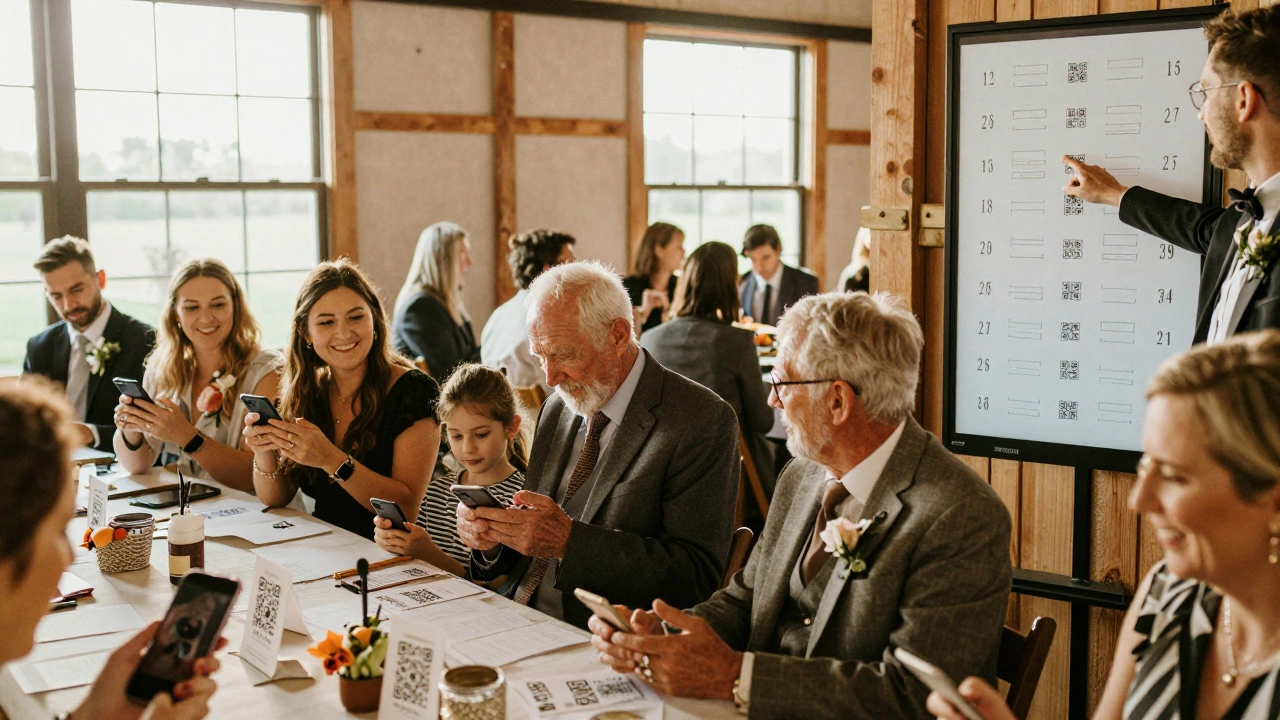
Here’s the smart solution: print the guest name and table number clearly on the card-just like you always would. The QR code is an extra, not a replacement. That way, if someone can’t or won’t scan it, they can still read the table number. No one feels left out.
And if you’re worried about older guests, assign a friendly usher or a family member to help. One person, standing near the entrance with a clipboard, can scan a few codes and point people in the right direction. It’s not hard. It’s thoughtful.
Why This Works Better Than Digital Invites Alone
You might think: “Why not just send the seating chart in the digital invite?”
Because people forget. They lose their phones. They don’t open emails on the day. They’re distracted by flowers, hugs, and champagne. A physical card in their hand? It’s a tangible reminder. It’s part of the ritual.
QR codes on escort cards combine the best of both worlds: the warmth of a printed keepsake and the efficiency of digital tech. Guests keep the card as a memento. You get a smooth, stress-free reception.
Real Examples That Worked
A couple in Perth did this for their beachside wedding. Their venue had tables scattered across a lawn with no clear path. They linked each QR code to a Google Maps pin with custom markers. Guests scanned, saw a blue dot on the map, and walked straight to their table. No one got lost. No one asked for help. The groom’s 78-year-old dad said, “I didn’t know what that square was, but my granddaughter showed me. Took two seconds. I was at my table before the first toast.”
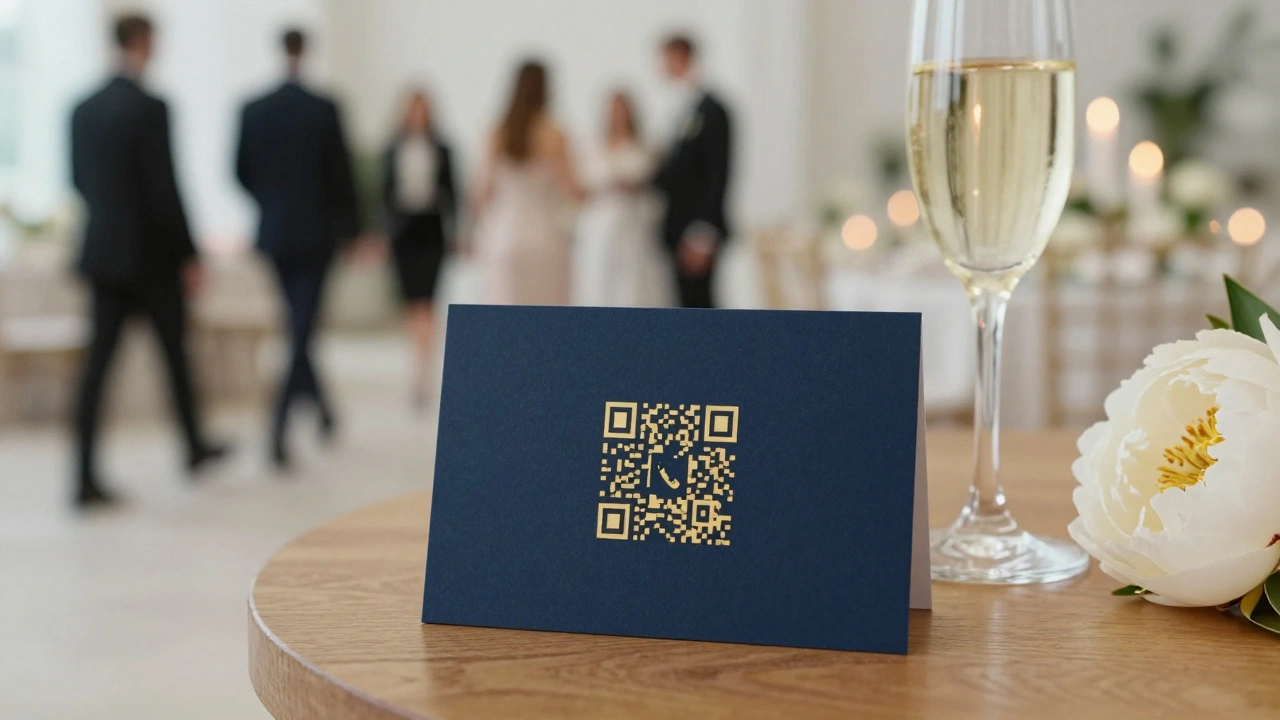
Another couple in Adelaide linked their QR codes to a simple image of their seating chart. They printed it in gold ink on navy cardstock. It looked like a luxury hotel keycard. Guests took photos of their cards and posted them on Instagram. One comment: “Best wedding tech idea I’ve ever seen.”
Common Mistakes to Avoid
Don’t:
- Use a tiny QR code (under 1 inch)
- Put it on the back of the card
- Link to a long, messy URL
- Forget to test it on multiple phones
- Replace the name and table number entirely
- Use a low-quality printer that blurs the code
Do:
- Test the QR code on 3 different phones before printing
- Print a test batch first
- Keep the design clean and aligned with your wedding theme
- Have a backup plan for non-tech guests
- Update the link if anything changes
Final Thought: It’s Not About Tech. It’s About Care.
Using QR codes on escort cards isn’t about being trendy. It’s about making your guests’ experience easier. It’s about reducing stress-for them and for you. It’s about saying, “I thought about how you’d feel walking in here, and I made it simple.”
Weddings are full of small moments. This is one you can control. And when done right, it’s quiet, elegant, and deeply thoughtful.
No one will cheer when they scan a QR code. But they’ll smile when they find their seat without asking anyone. And that’s the kind of detail that makes a wedding feel perfect.
Do QR codes on escort cards look unprofessional?
Not at all. When designed well-with clean fonts, matching colors, and proper sizing-QR codes look modern and intentional. Many high-end weddings now use them. The key is integration: make the code part of the design, not an afterthought. Gold QR codes on black cardstock, for example, look luxurious.
Can I use QR codes for dietary info or special requests?
Yes, but it’s better to collect that info ahead of time. Your RSVP system should handle dietary needs. The QR code on the escort card should focus on one thing: table location. Adding extra info clutters the experience. Keep it simple.
What if the QR code doesn’t scan?
Always print the table number and guest name clearly on the card as a backup. If a guest can’t scan it, they can still find their seat. Also, test the code on multiple phones before printing. Use a reliable generator and avoid overly complex designs. Most issues come from poor contrast or tiny size.
Are QR codes only for younger guests?
No. Studies show that over 60% of adults over 55 have scanned a QR code in the past year. Many do it daily-to pay for coffee, check a menu, or access a boarding pass. If your guests can use a smartphone, they can scan a code. Just add a simple icon or phrase like “Scan to find your seat” to guide them.
How do I update the table layout if someone changes last minute?
You don’t need to reprint anything. Just edit the destination URL in your QR code generator. The code stays the same, but it now points to the updated layout. That’s the biggest advantage over paper: flexibility. You can fix mistakes, swap tables, or add last-minute guests without wasting money or time.